Calm Escapes is a new way to relieve stress for users from school and work during the Covid-19 pandemic in 2020. Users can meditate, have a quick walk in place sessions and also play outdoor themed games in between classes and during breaks.
Students have been getting more stressed out with classes and work as everything has been switched to online from in-person. Users do not have the opportunity to go outside and do activities they were used to doing before the lockdown during the pandemic began.
Developing a stress reliever mobile app that allows users to choose a service and relax in a clean and easy to interact interface.
User Research, UX Design, Visual Design, Prototyping and Testing
My process will be different will be determined by many factors such as the project goals, business needs, complexity of the problem, time and etc. Here I’ll describe my process for solving this problem.
Generate and gather ideas to find user pain points.
Create several sketches and potential solutions.
Design low, mid and high fidelity wireframes.
Test with users to get feedback.

By conducting ethnographic research with students and parents who are primarily working from home. I have identified user pain points. I found patterns in users perceptions and tasks and aggregated my findings in the form of a persona.

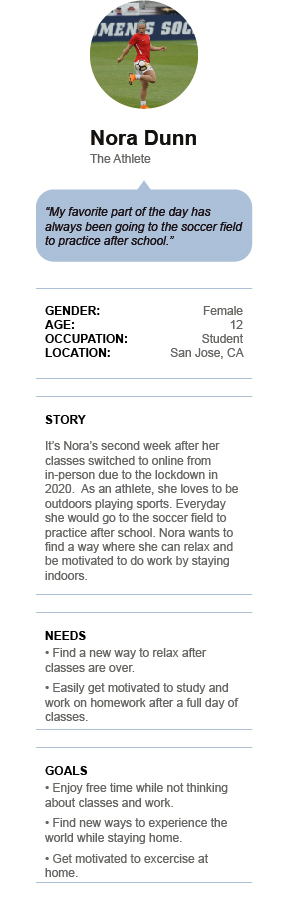
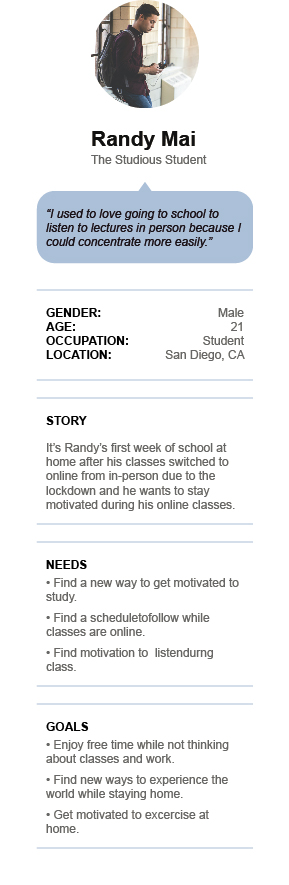
% Stress Increase during the Pandemic of the Year 2020.
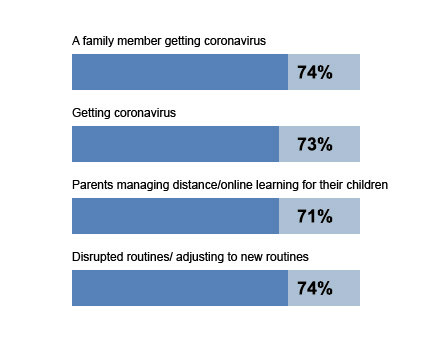
By conducting Ethnographic Research and identifying user pain points. I have spotted out that majority of the users are looking for a stress reliever app that is quick and easy to undertand.
Likewise, I have noticed that Calm Escapes could be intended for users at any Ages 7 and up. Parental guidance is recommended for ages 13 and below.
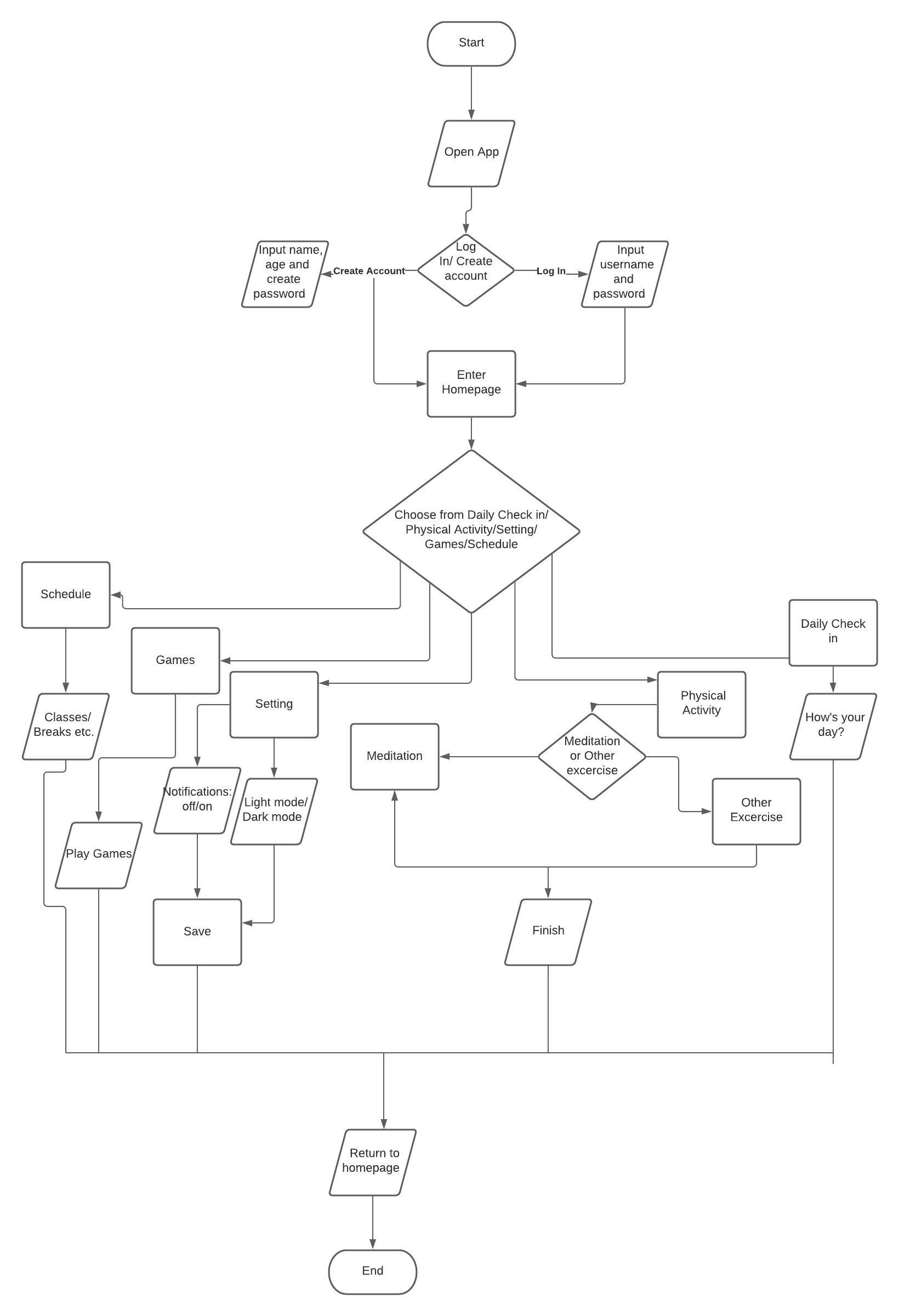
Creating an UX flow helps me to understand the whole user journey and covering all the screens. I have included 7 steps in the User Journey Flow.
User 1:
" I like the flow of the sign/up login page."
User 2:
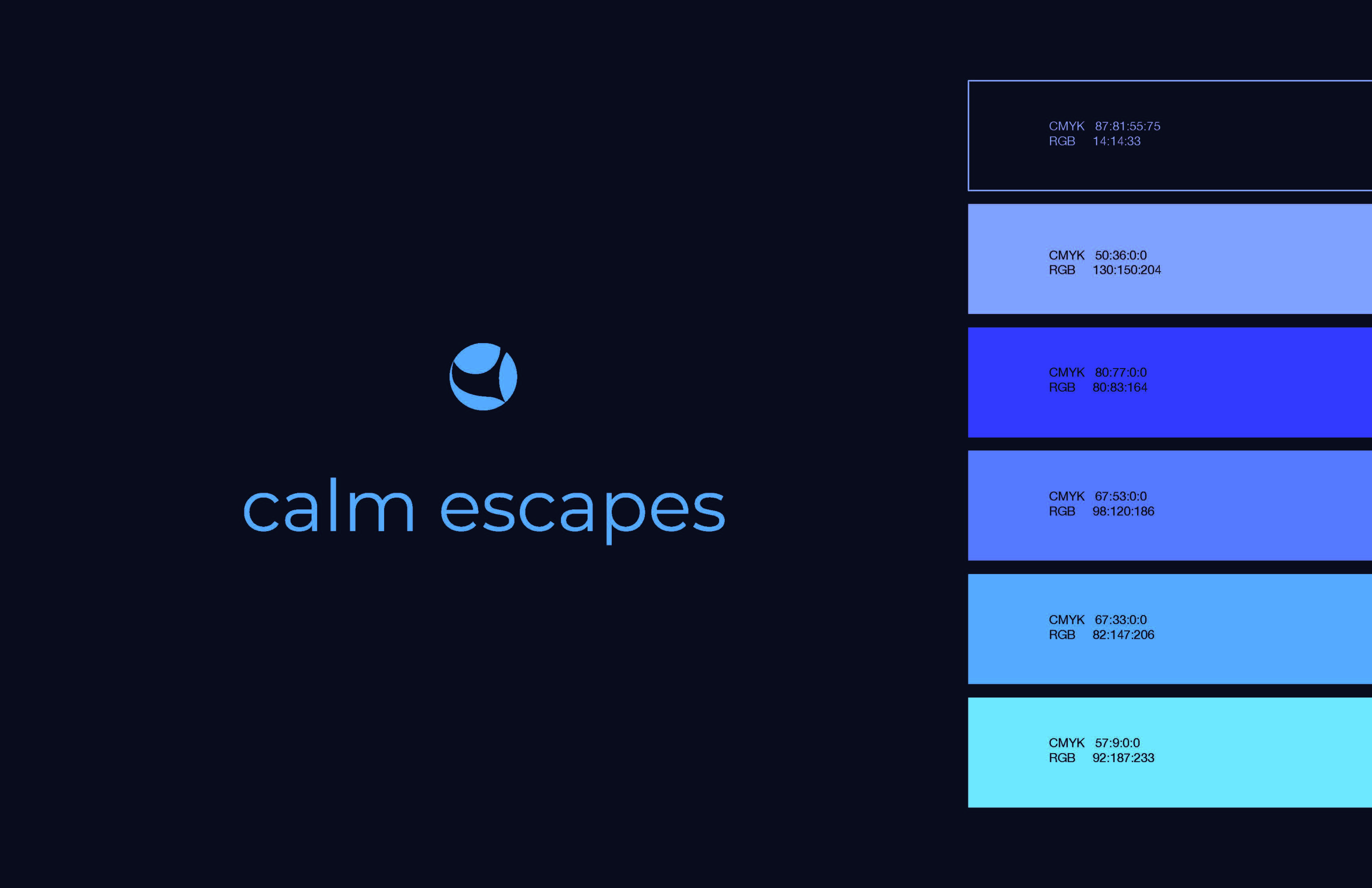
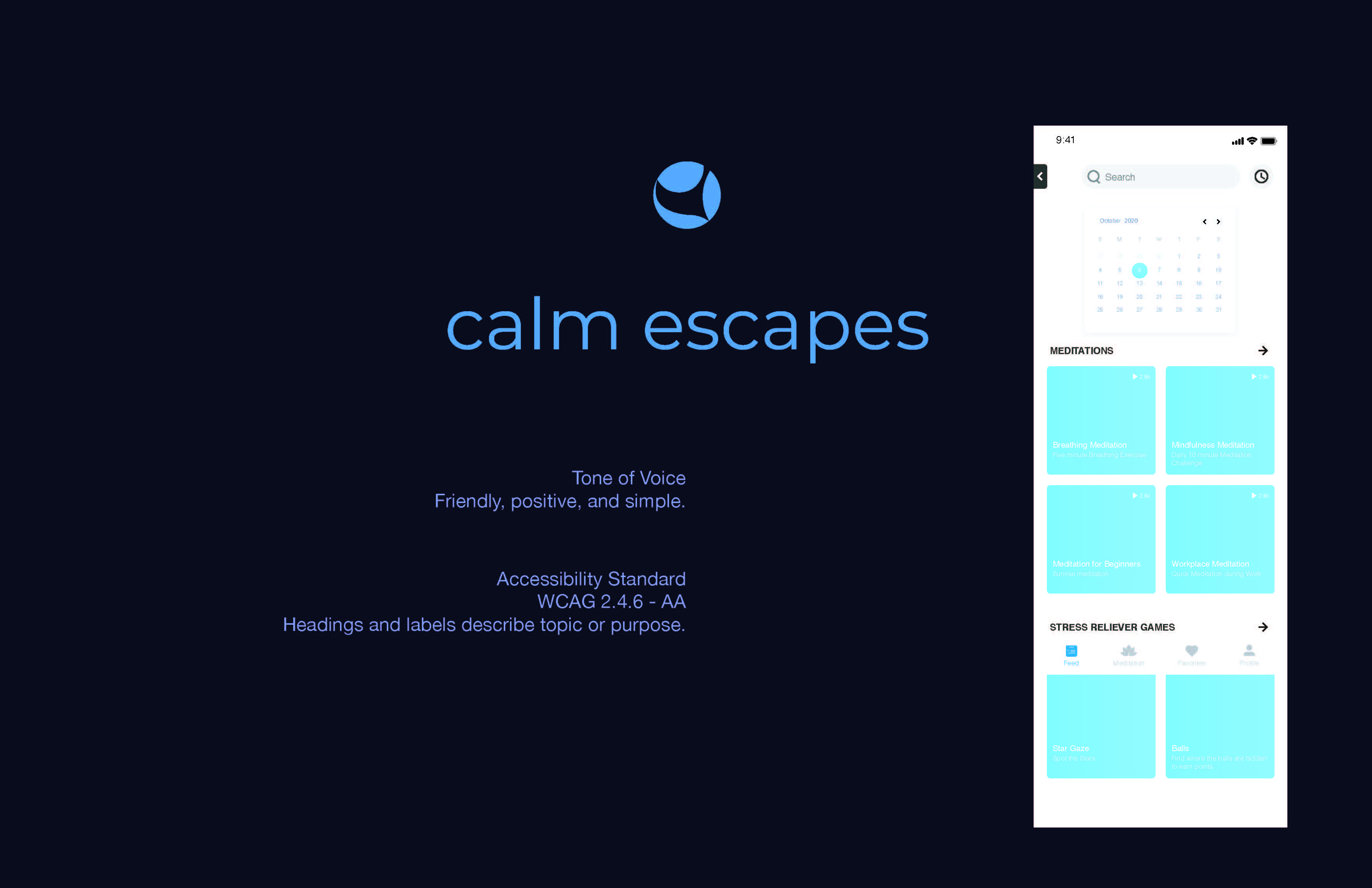
" I wonder if it could have an option to be in dark mode because I noticed that the style guide is dark themed."
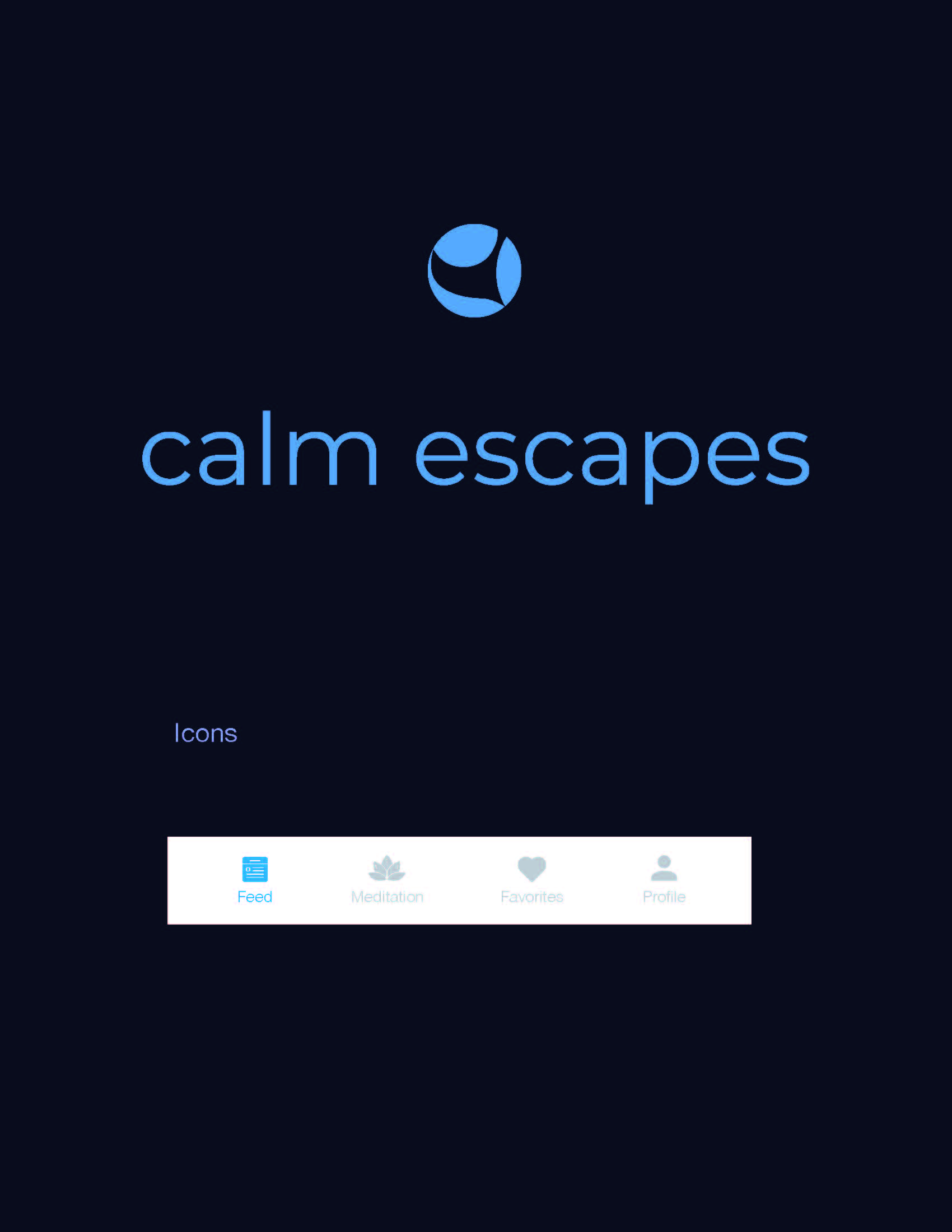
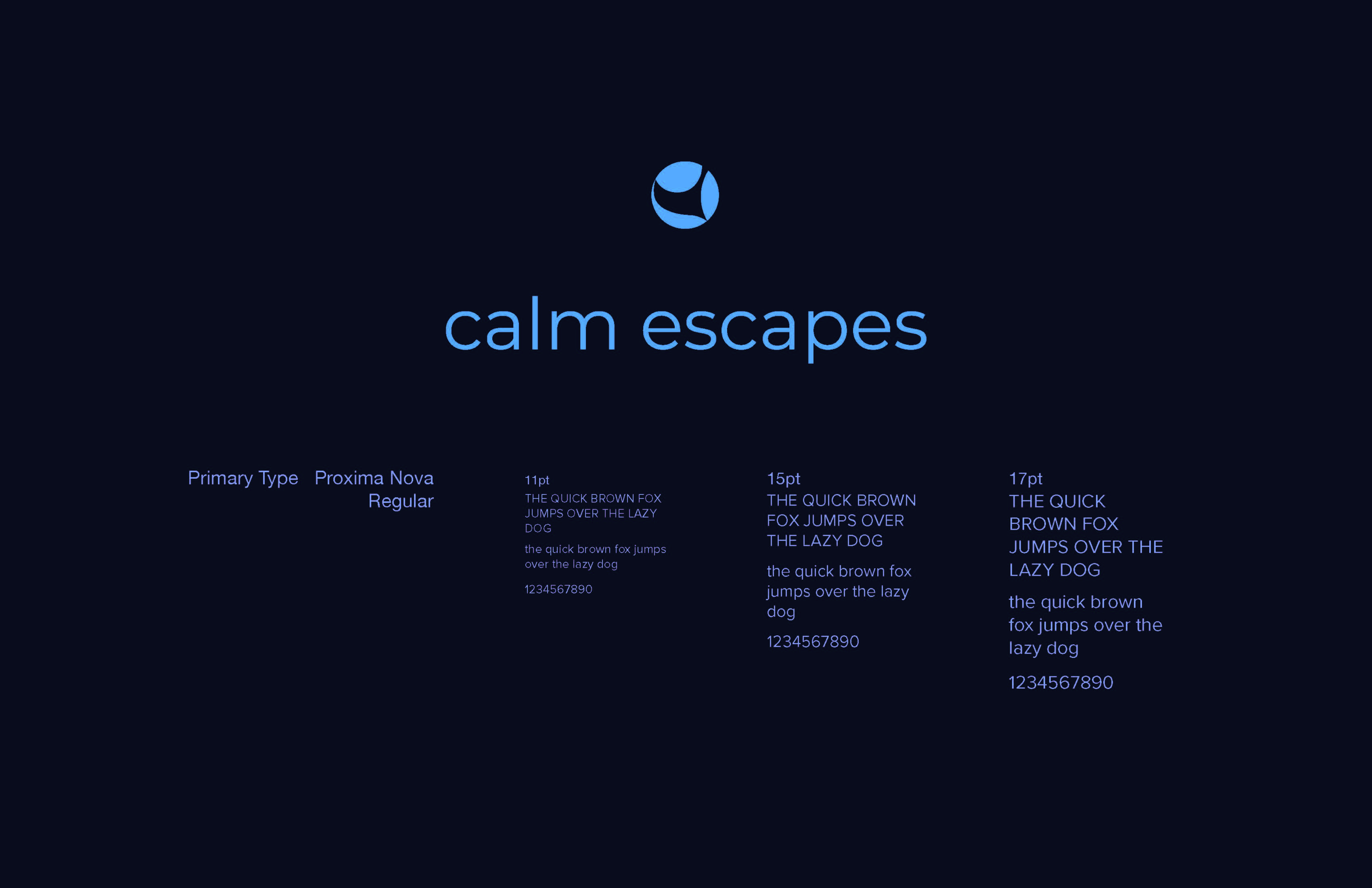
I have learned that designing in dark mode could also be an option for a meditation app because it lets the user use it at all times.